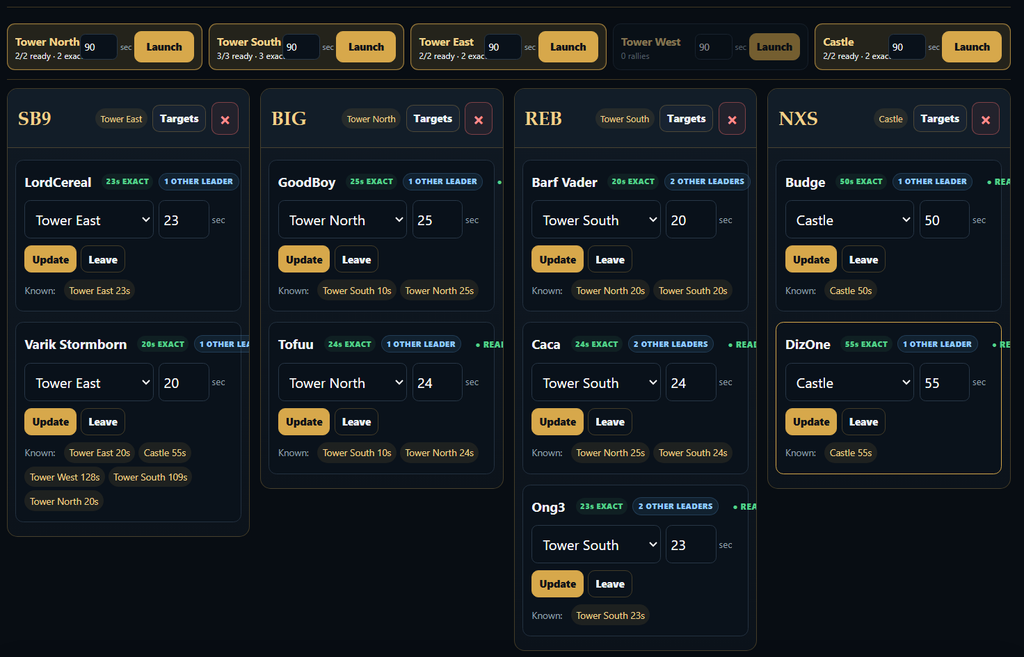
Castle Battle – Rally Leaders will be invited to use the Battle Commander tool. Available at www.ks1566.com/bc .
When there, you will be prompted to enter the 4 digit battle code. Only the R5 battle commander has this code available.
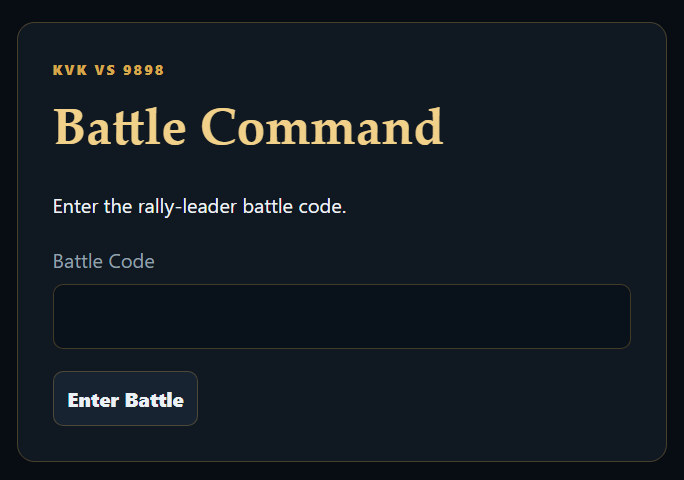
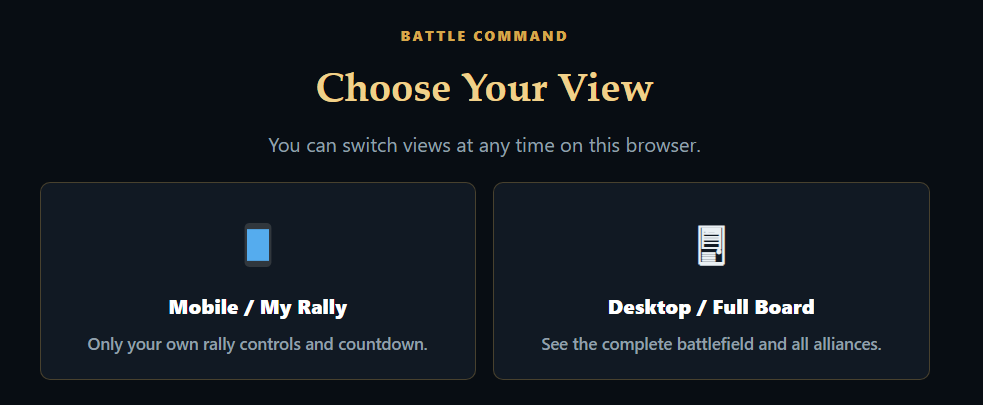
If you are on mobile, select mobile, on tablet, desktop etc, use the full interface. You can switch after as well.
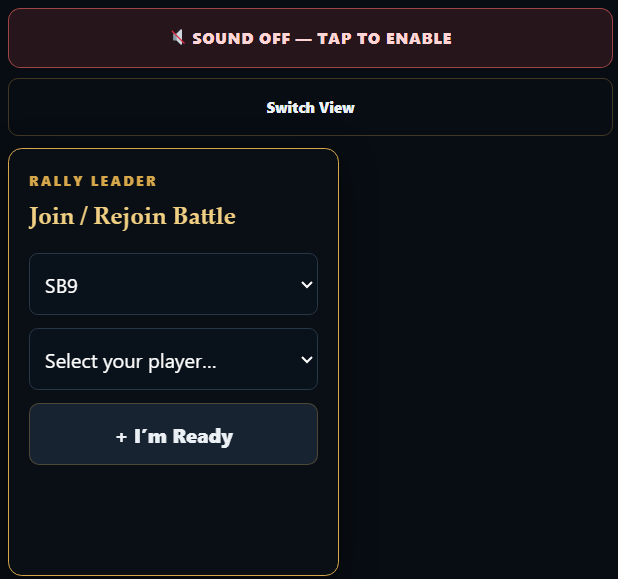
Find your alliance, and select your player. If your alliance is not listed, or your player is not in the list, ask the battle commander to add your alliance, and your player.
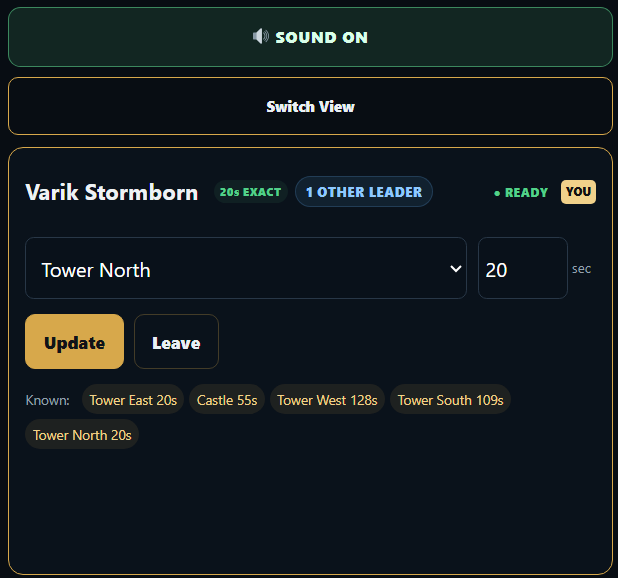
Your available targets are set by the BC. On the right side of your target, you will see the marching time from your position to your target. Make sure you update this. As soon as all 5 marching times are set, your rally start time will be perfectly alligned with the other rally leaders.
When the sound is turned on, you will receive audio cue’s about rally starts, cancelled rally and a target change.
You can see there is 1 other rally leader assigned with the same target, so wait for the BC to start the rally timer. When this shows SOLO, feel free to start a SOLO rally.
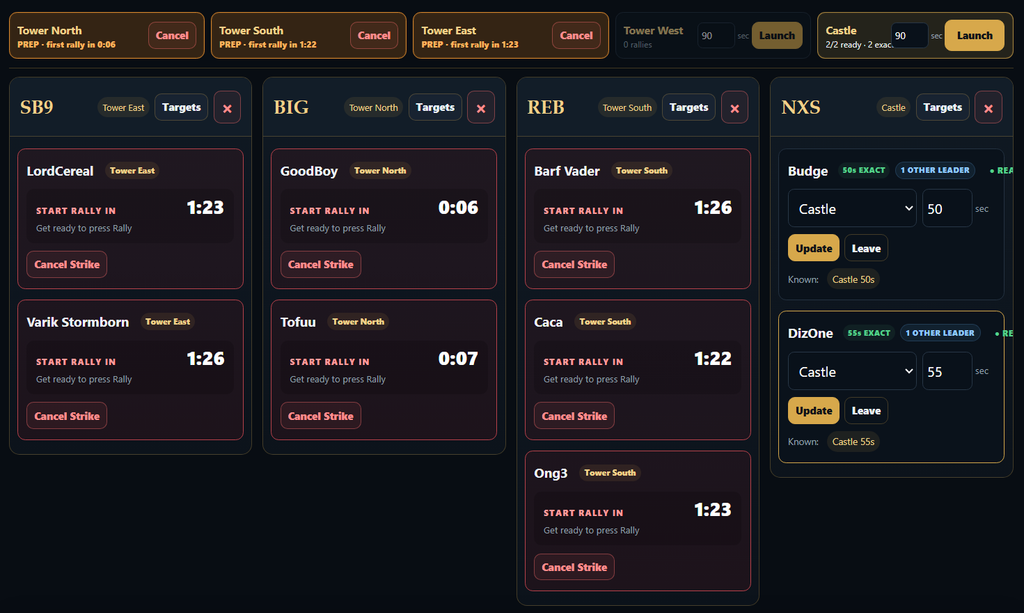
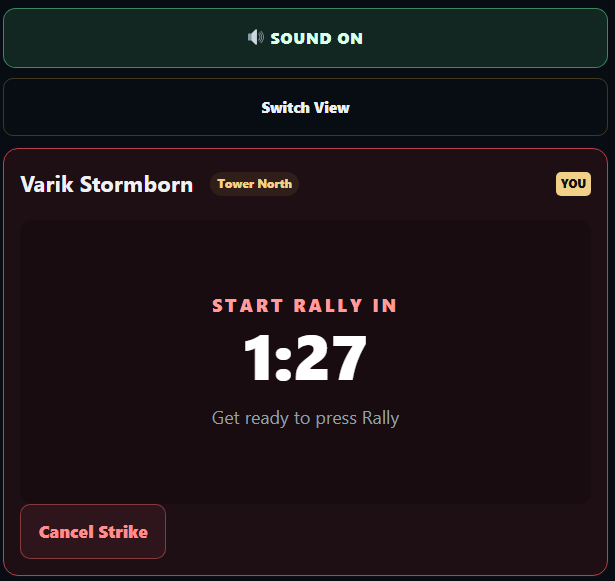
When the BC starts the combined rallies, your screen will change showing the time remaining to start your rally.
When you hit the cancel Strike button all rallies to that target will be cancelled.
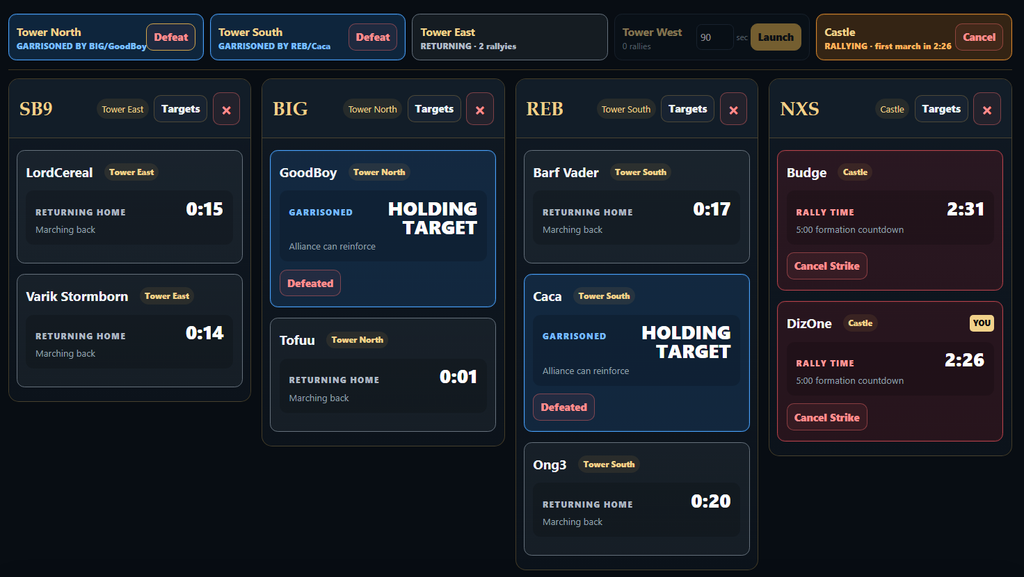
When you started your rally, the screen will change like this showing the time remaining before your rally will leave to the target.
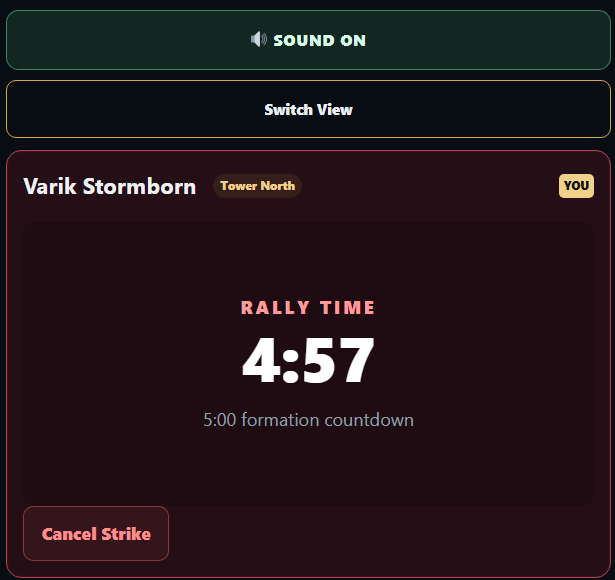
When the troops start marching, the cancel strike disappears.
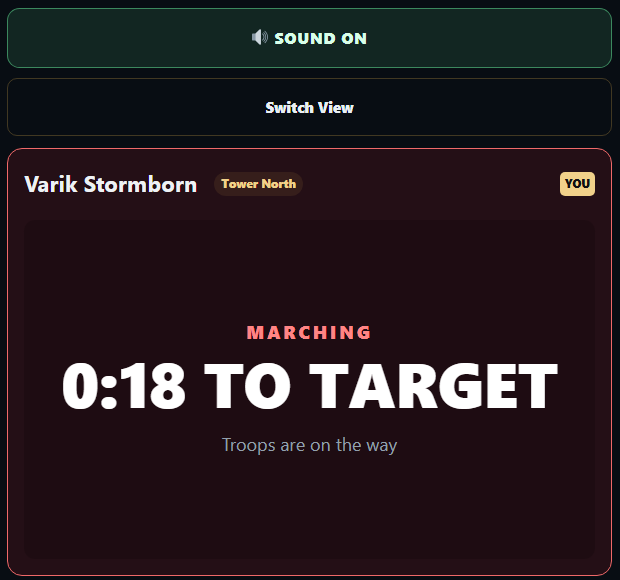
When the rally has hit the target, the players can indicate if they are currently garrisoning or were defeated. When a player hits garrisoned, all the other players in the rally are automaticly defeated and will march home.
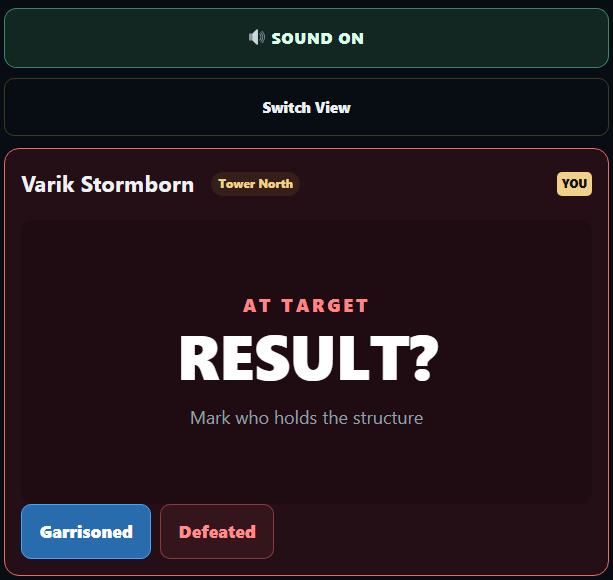
When selecting garrisoned, you have the option to select defeat, after which your troops will march home.
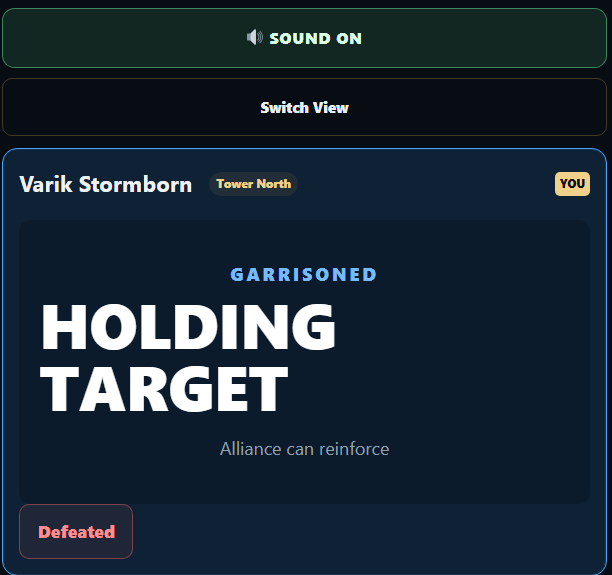
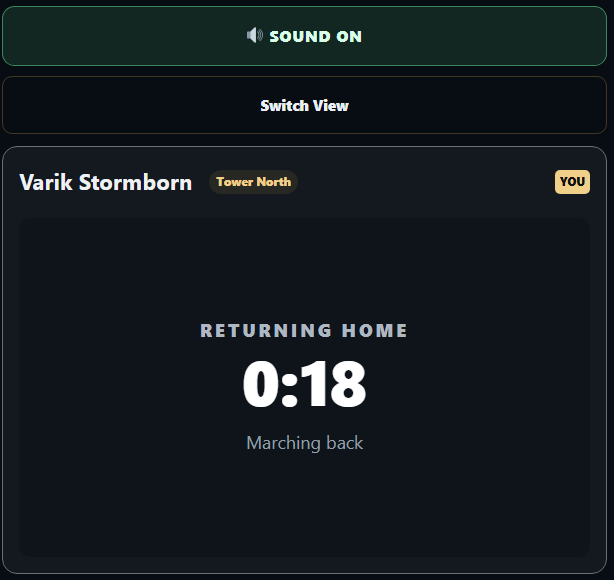
When defeated, your troops will march home.
The Battle Commander can control the entire battlefield, also with desktop view you can see the battle field.